
← All guides
See dependencies and redirects
Which companies your page depends on, how much of the page they are, and every redirect your links go through.
- 1
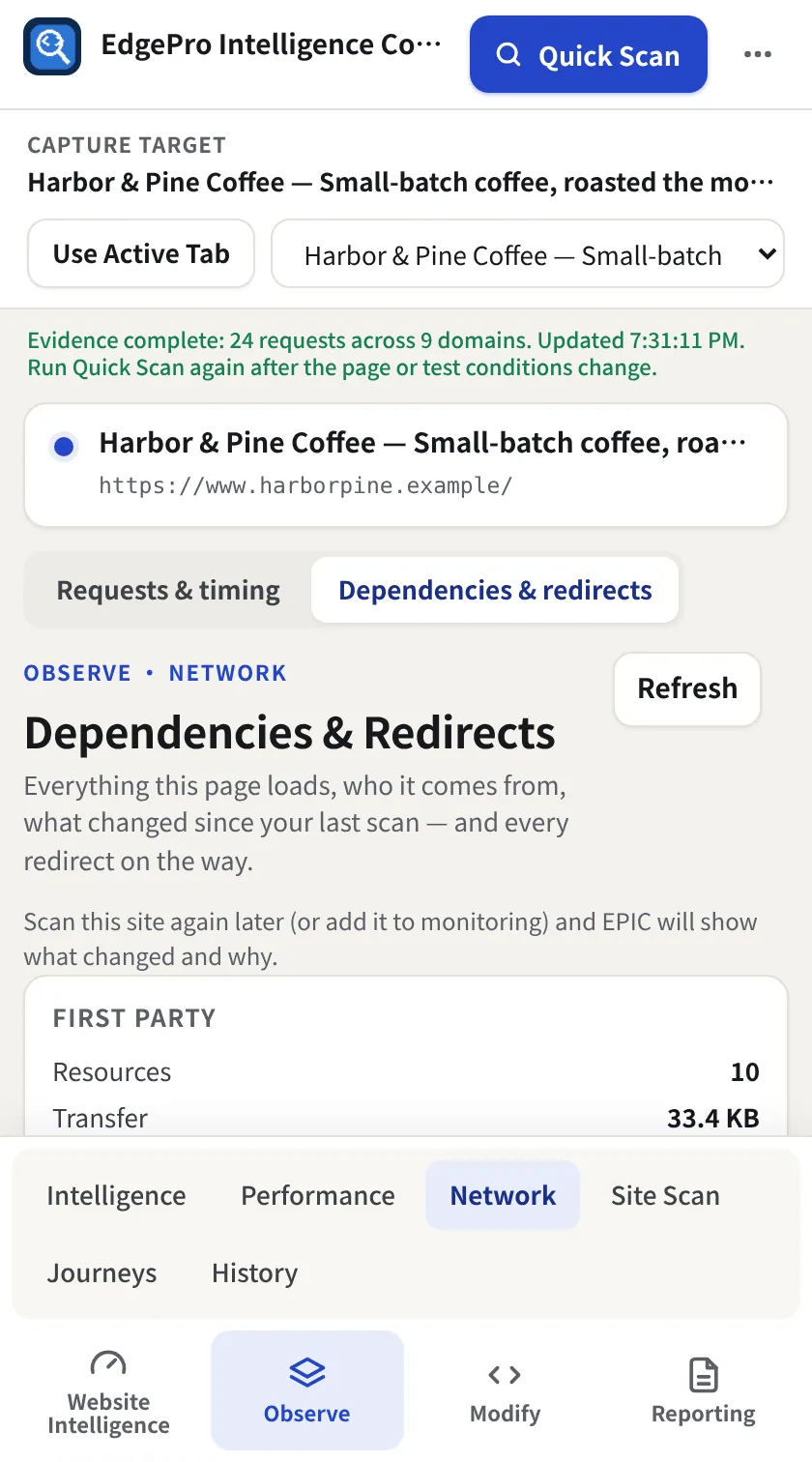
Switch the Network view
In Observe → Network, click Dependencies & redirects. First party vs third party is shown by resources and transfer size, plus entry points EPIC checked for redirects.
- 2
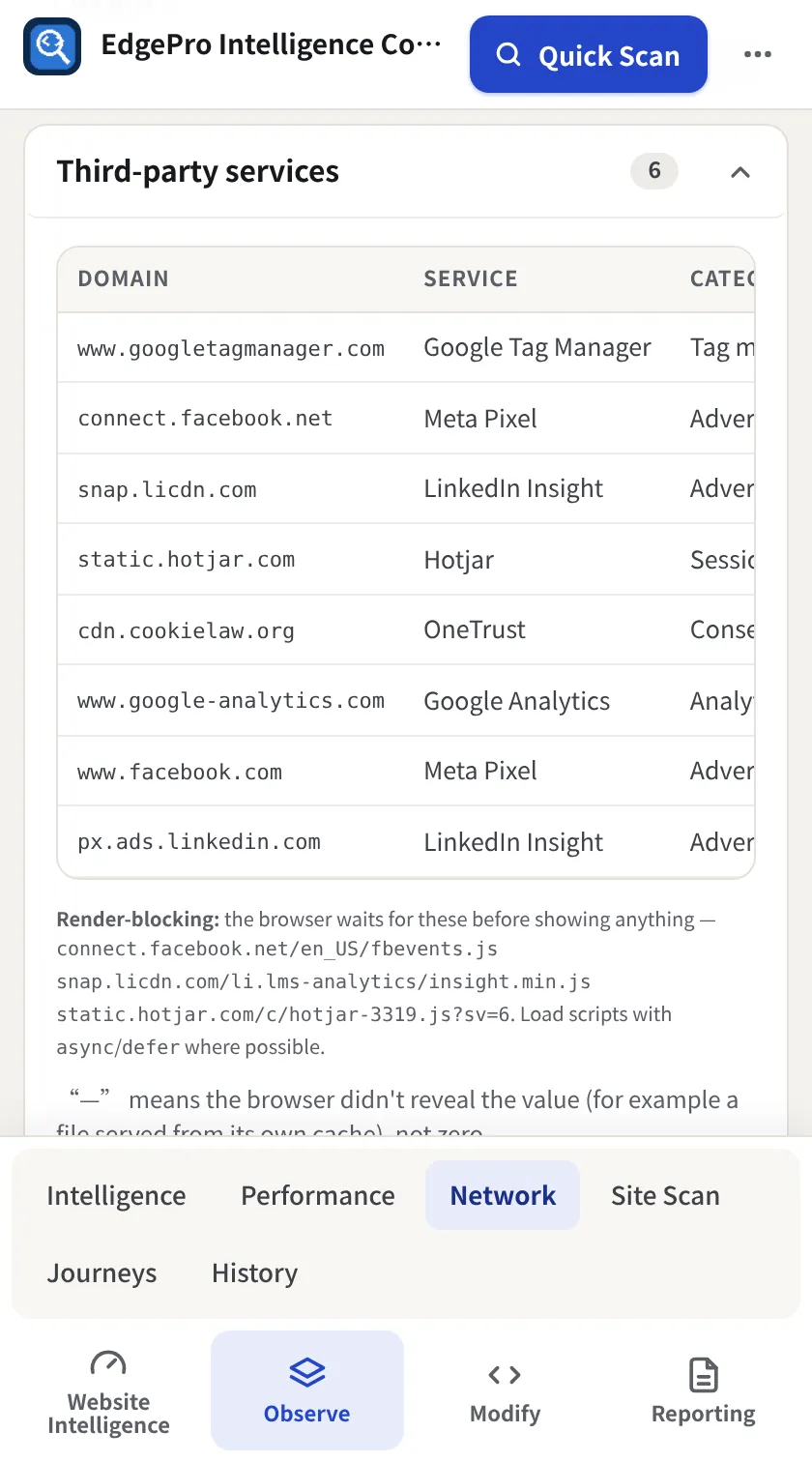
Open Third-party services
Sections start collapsed. Open Third-party services to see each domain, the company behind it and its category. Render-blocking third-party scripts are listed underneath.
- 3
Check redirects
Open Redirects for each chain, its hops and status codes. Loops and long chains are flagged.
Good to know
- Scan again later (or monitor the site) and EPIC shows which services were added or removed.