
← All guides
Read the Website Intelligence summary
One screen that tells you how ready the site is, what to fix first and where each score comes from.
- 1
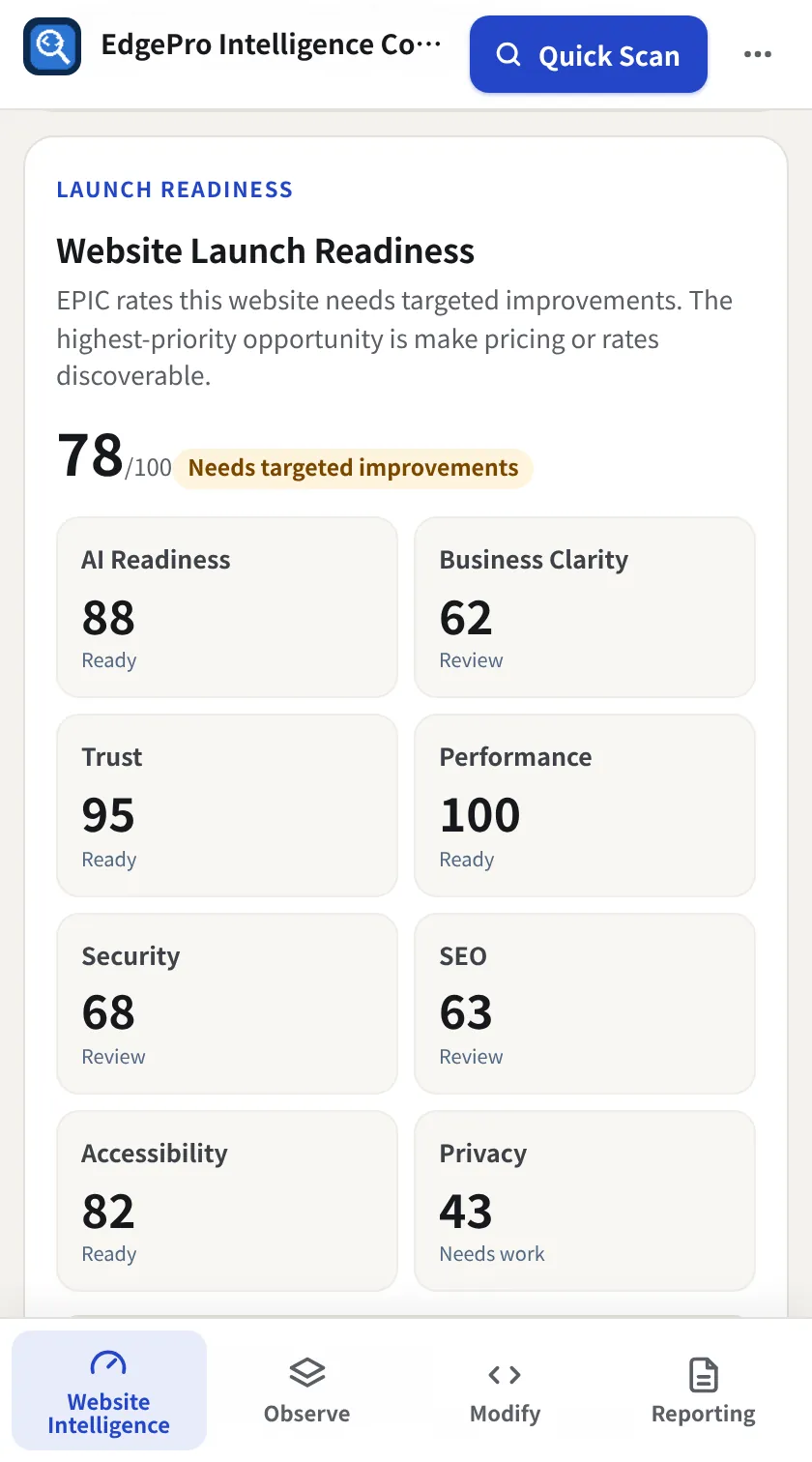
Launch readiness
The big number is overall website health out of 100, with a verdict such as Needs targeted improvements. Below it are the scores for AI readiness, business clarity, trust, performance, security, SEO, accessibility and privacy.
- 2
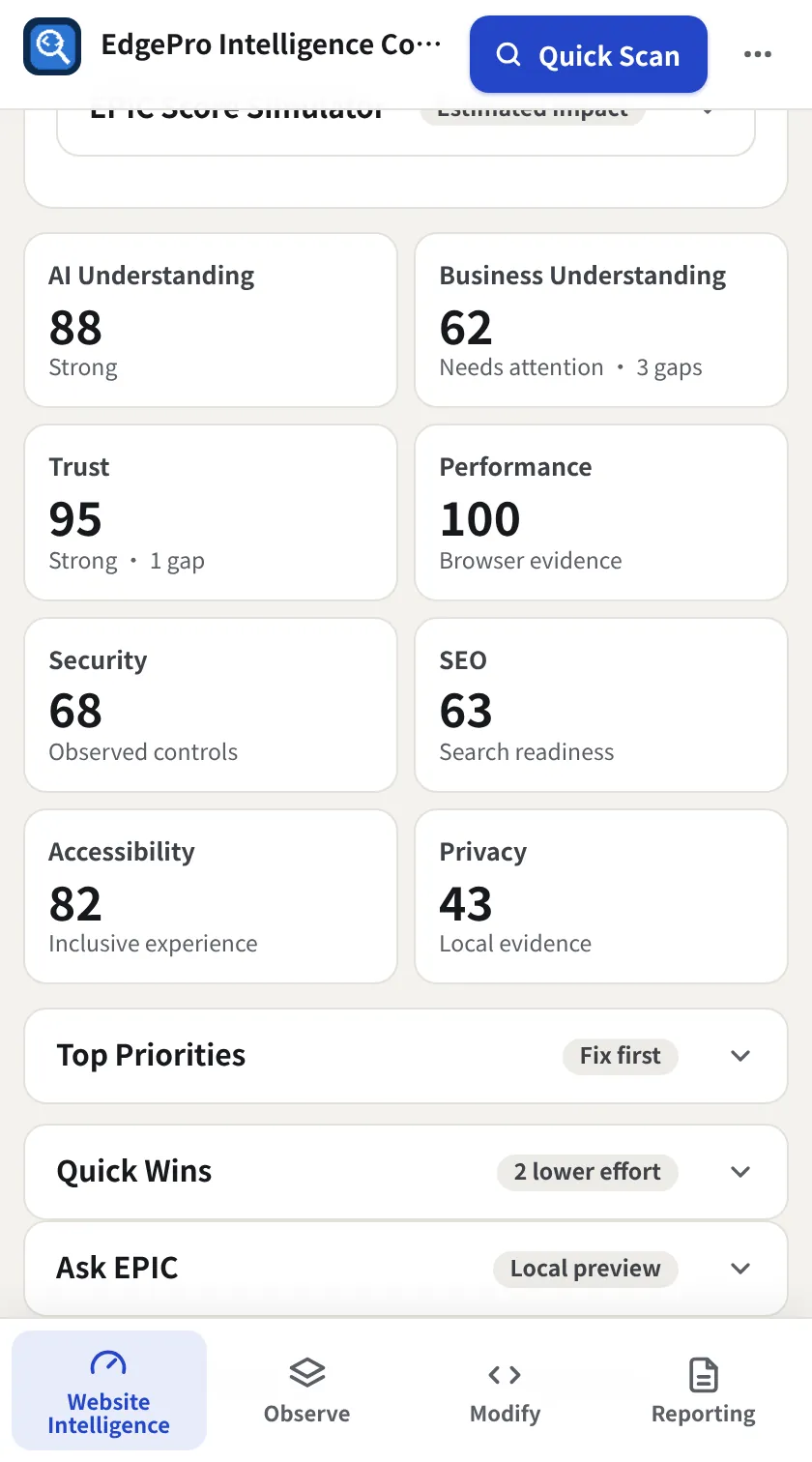
Open any score
Every score tile is a button. Click one (for example Business Understanding) to jump straight to the tab that explains it.
- 3
Work the priorities
Open Top Priorities and Quick Wins for the fixes worth doing first, ranked by impact and effort. Ask EPIC answers plain-language questions about the page from the local evidence.
- 4
Export it
Use Download JSON or Download CSV to keep the scores, metrics and findings.
Good to know
- Scores come only from what the browser can observe on this page. Nothing is guessed from other sites.
Related guides
Observe + Reporting3 minUse the Intelligence tabsTwelve focused views, each with a score or count on its tab so you can see where to look before you click.Observe + Reporting2 minCreate a reportSix ready-made reports from the latest Quick Scan, for executives, engineers, QA, performance, AI and stakeholders.