
← All guides
Create a report
Six ready-made reports from the latest Quick Scan, for executives, engineers, QA, performance, AI and stakeholders.
- 1
Pick a report type
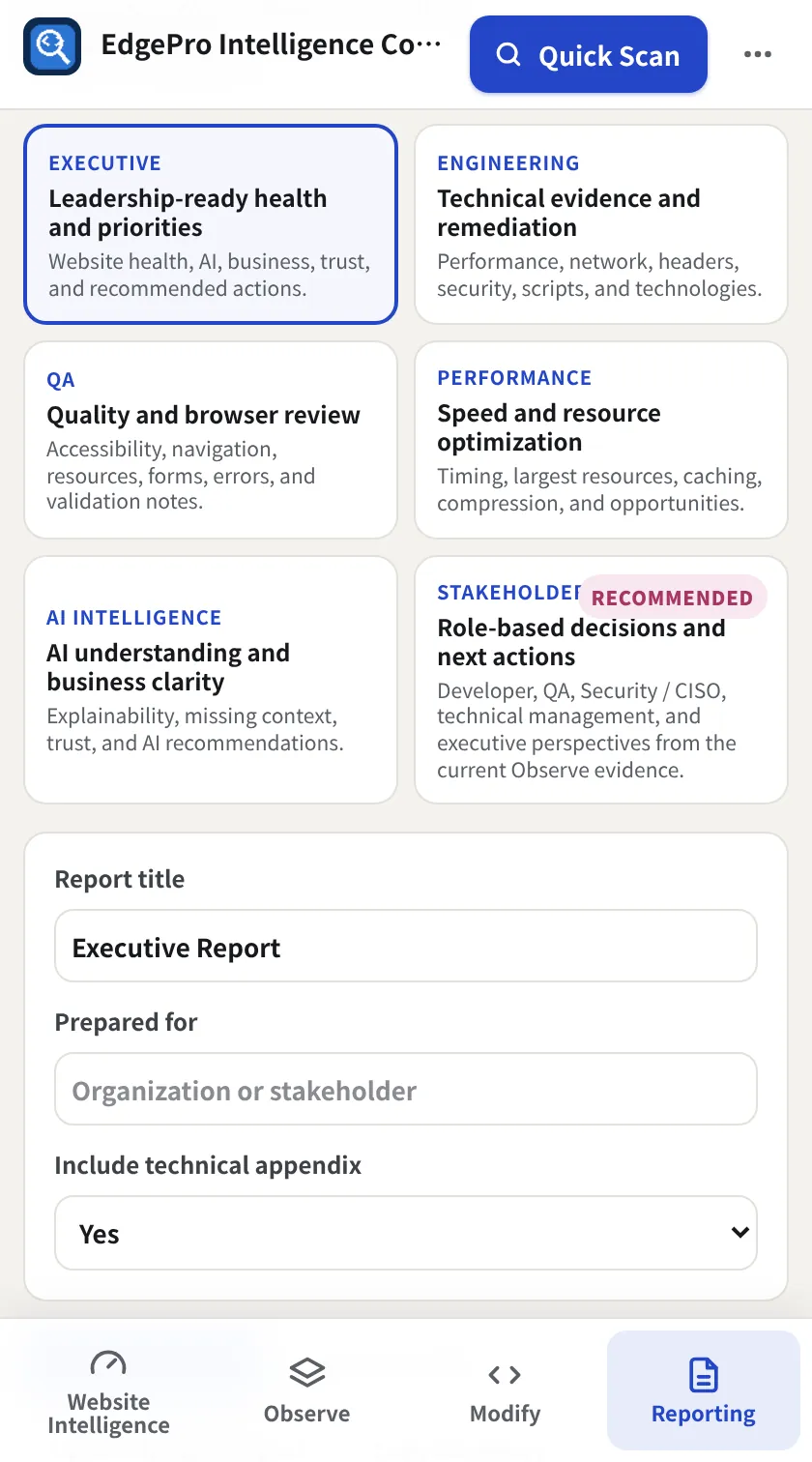
Go to Reporting → Report Center and pick Executive, Engineering, QA, Performance, AI Intelligence or Stakeholder Insights. Add a title, who it's for, and whether to include the technical appendix.
- 2
Generate
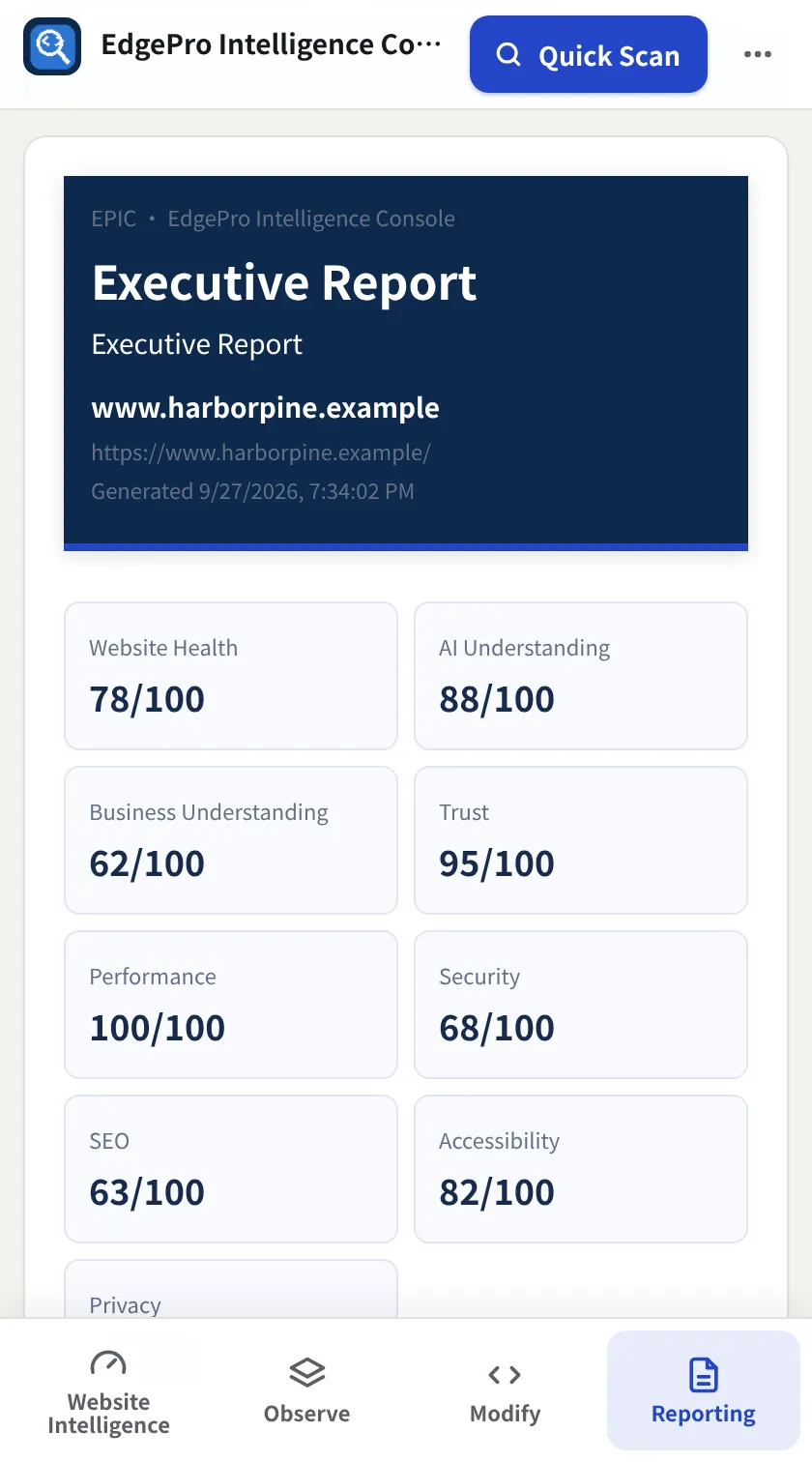
Click Generate Report. The preview shows scores, findings and recommendations.
- 3
Share it
Download HTML saves a self-contained file. Open Printable Report opens a print-ready tab (save as PDF from there). Copy Summary puts a short text summary on your clipboard.