
← All guides
Scan a whole site
Scan up to 100 pages from the sitemap or links, with broken links and redirect health.
- 1
Set it up
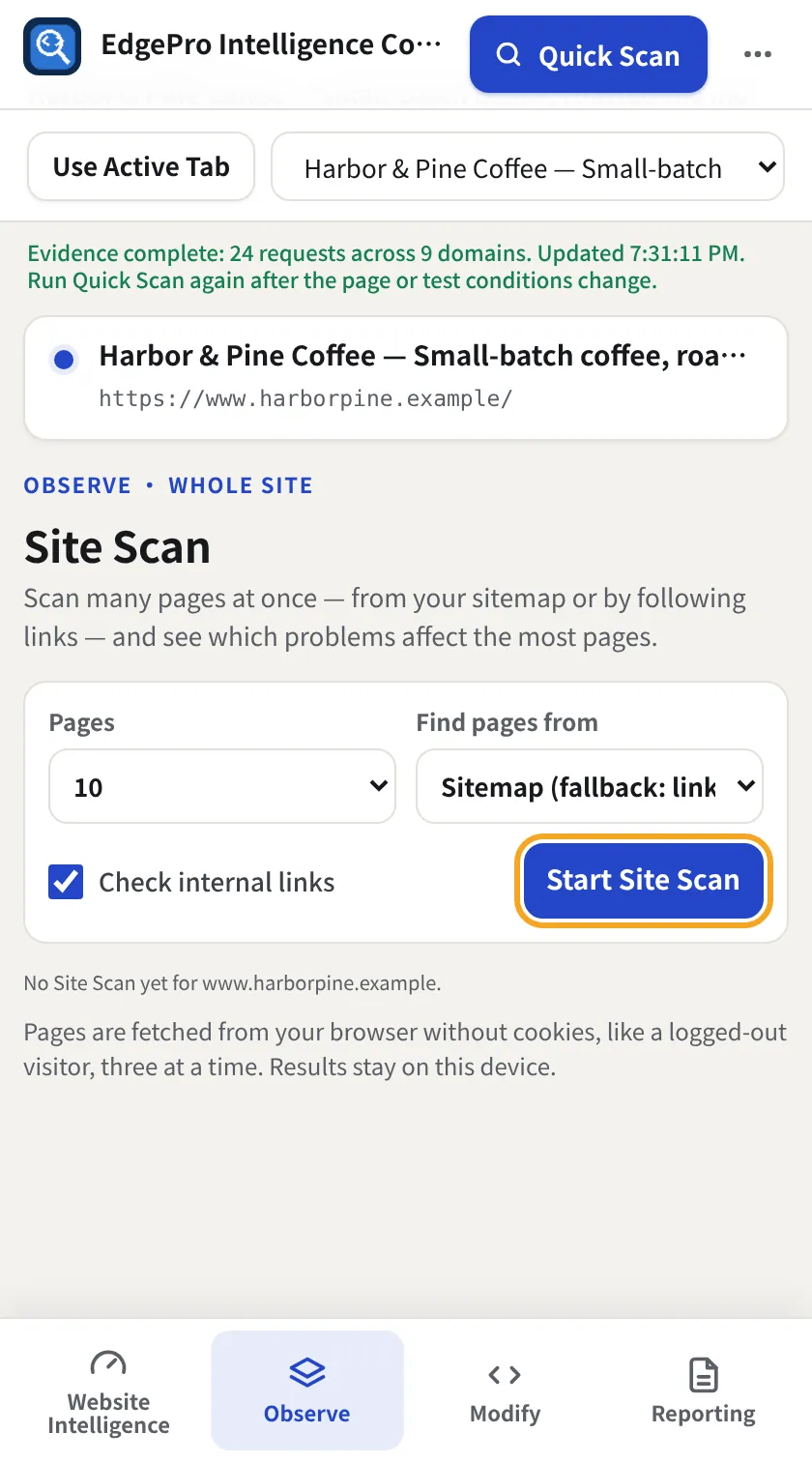
Go to Observe → Site Scan. Choose how many Pages (10, 25, 50, 100), where to Find pages from, and whether to Check internal links. Click Start Site Scan.
- 2
Read the results
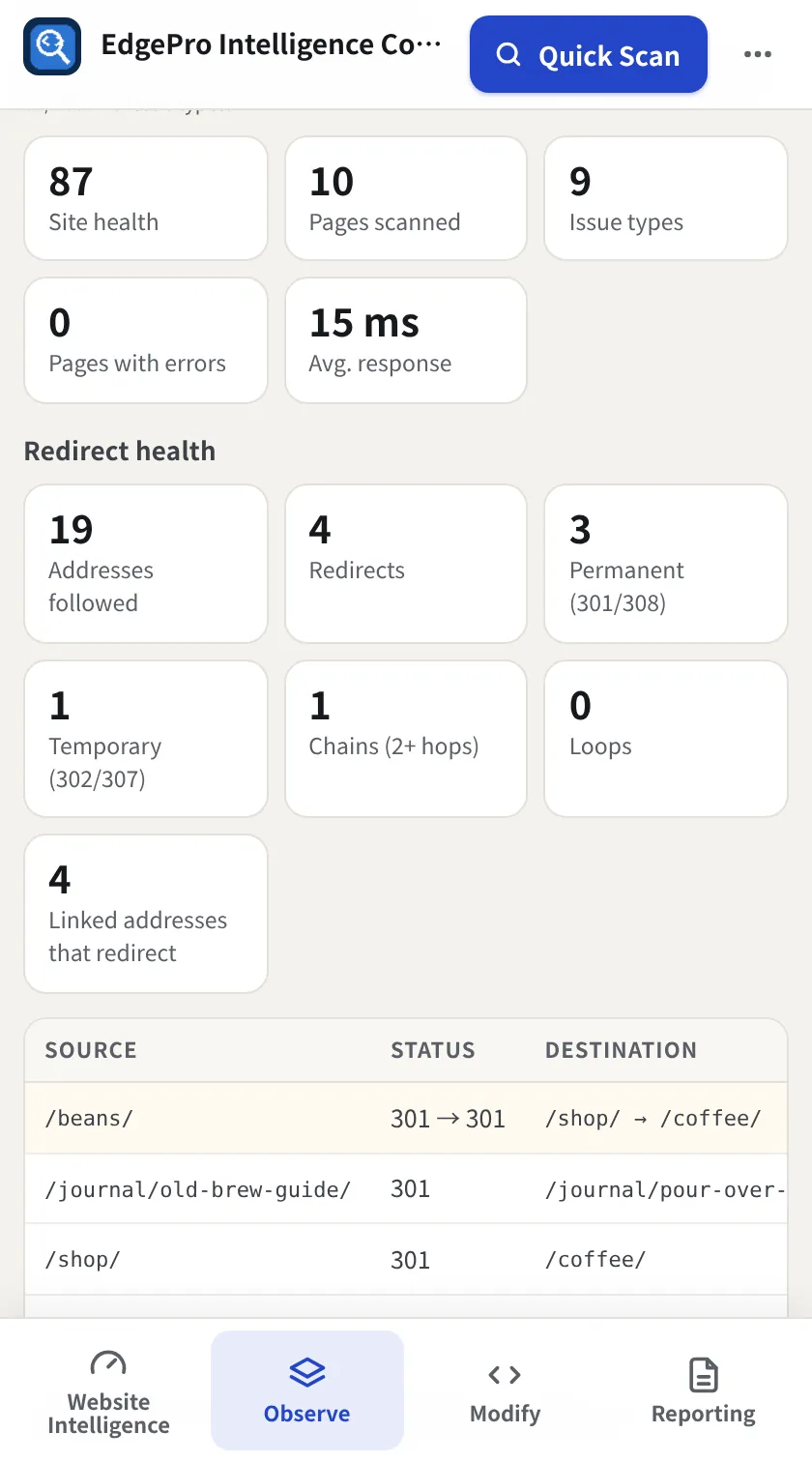
You get site health, pages scanned, issue types, pages with errors and average response, then issues ranked across the site.
- 3
Redirect health
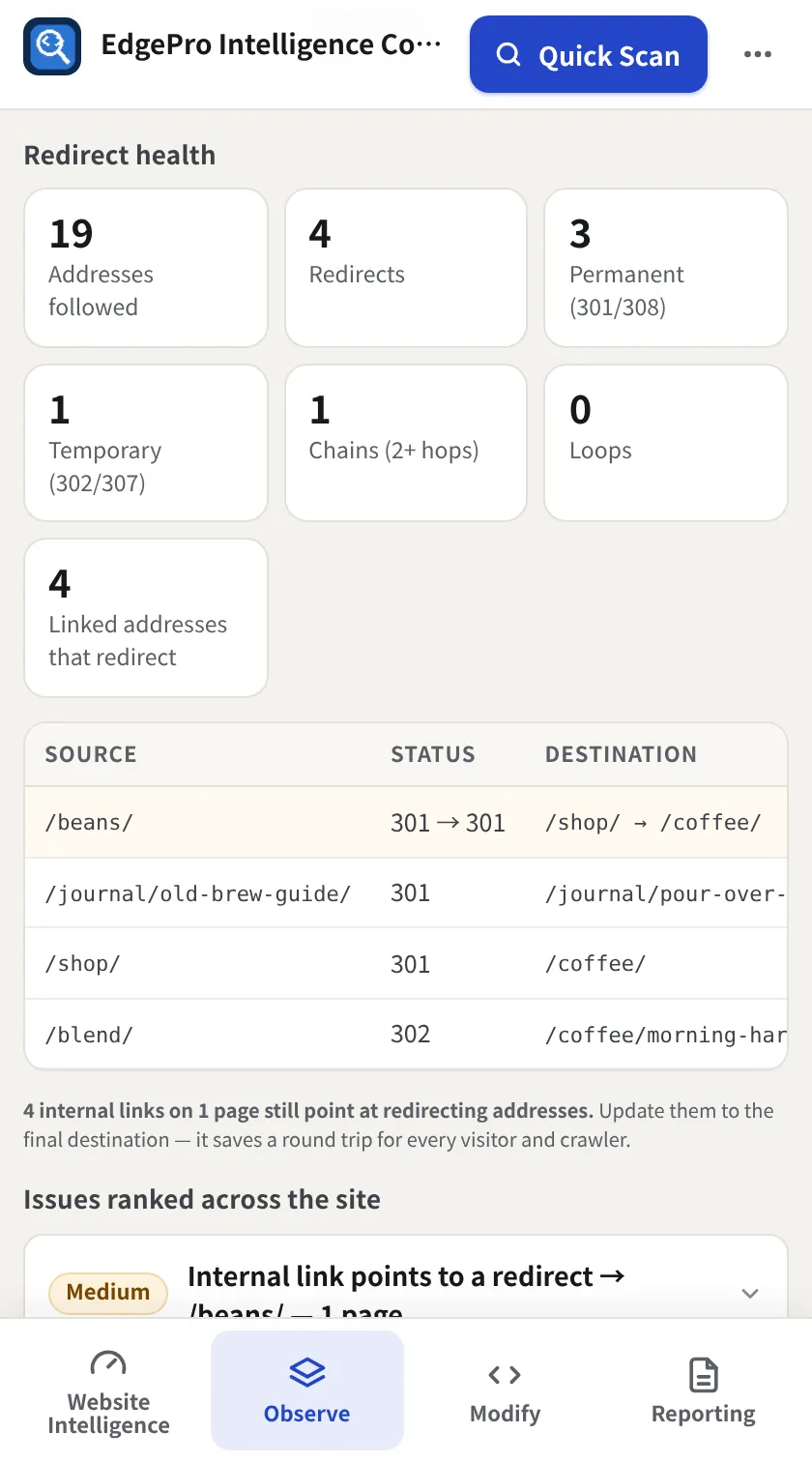
Shows addresses followed, redirects, permanent vs temporary, chains and loops, and internal links that point at a redirect, with source and destination.
- 4
Download
Download CSV exports every page and issue.
Good to know
- Pages are checked from your browser as a logged-out visitor, so site-wide issues are reviewed consistently.
Related guides
Observe + Reporting2 minSee dependencies and redirectsWhich companies your page depends on, how much of the page they are, and every redirect your links go through.Observe + Reporting3 minUse History, the Change Log and Visual TimelineEvery scan is kept so EPIC can tell you what changed, when, and show it side by side.