
← All guides
Check a release before and after
Save a snapshot before you ship, run Quick Scan after, and see every regression and improvement.
- 1
Save a snapshot
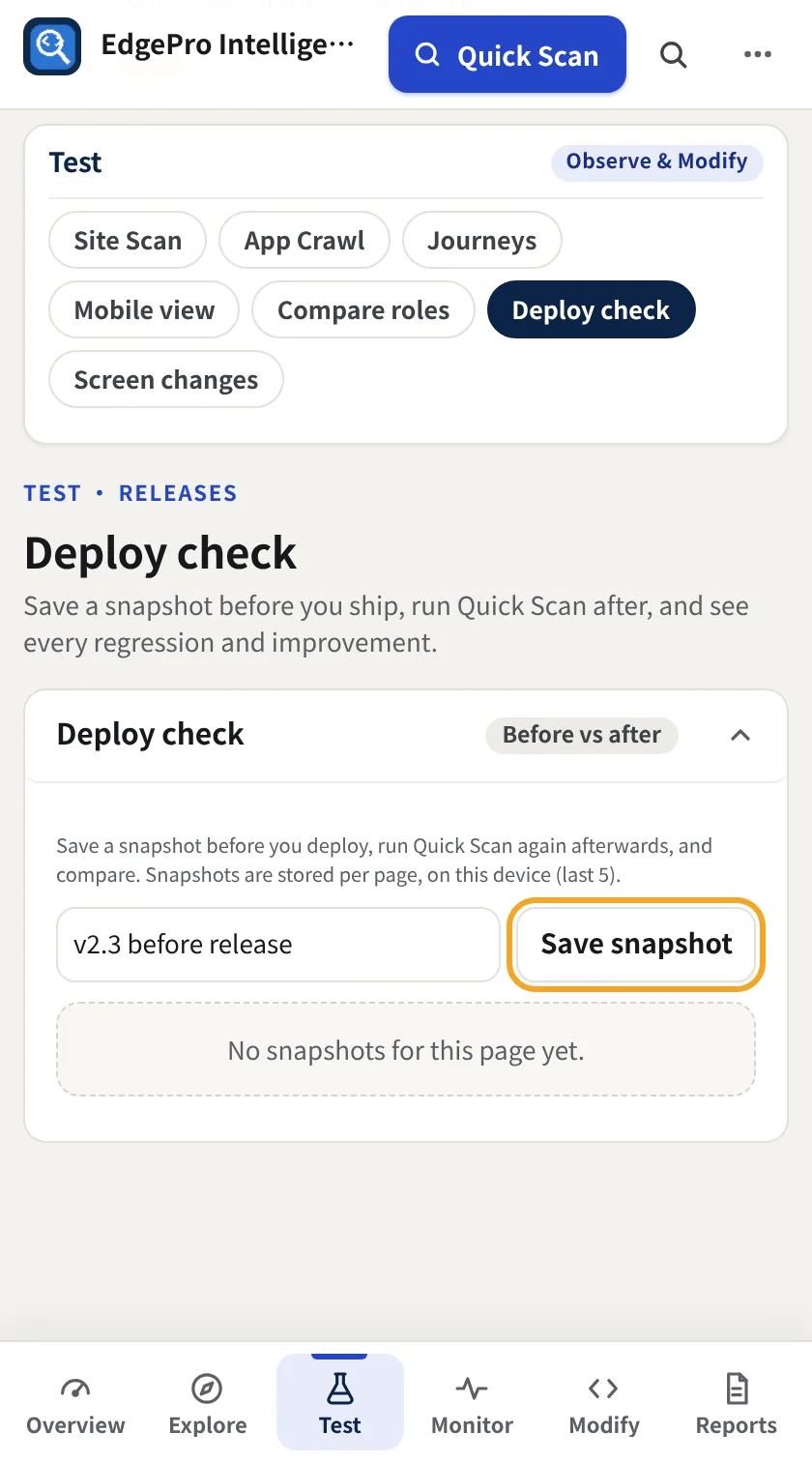
Before you release, run Quick Scan, go to Test → Deploy check, add a label such as v2.3 before release and click Save snapshot.
- 2
Compare after the release
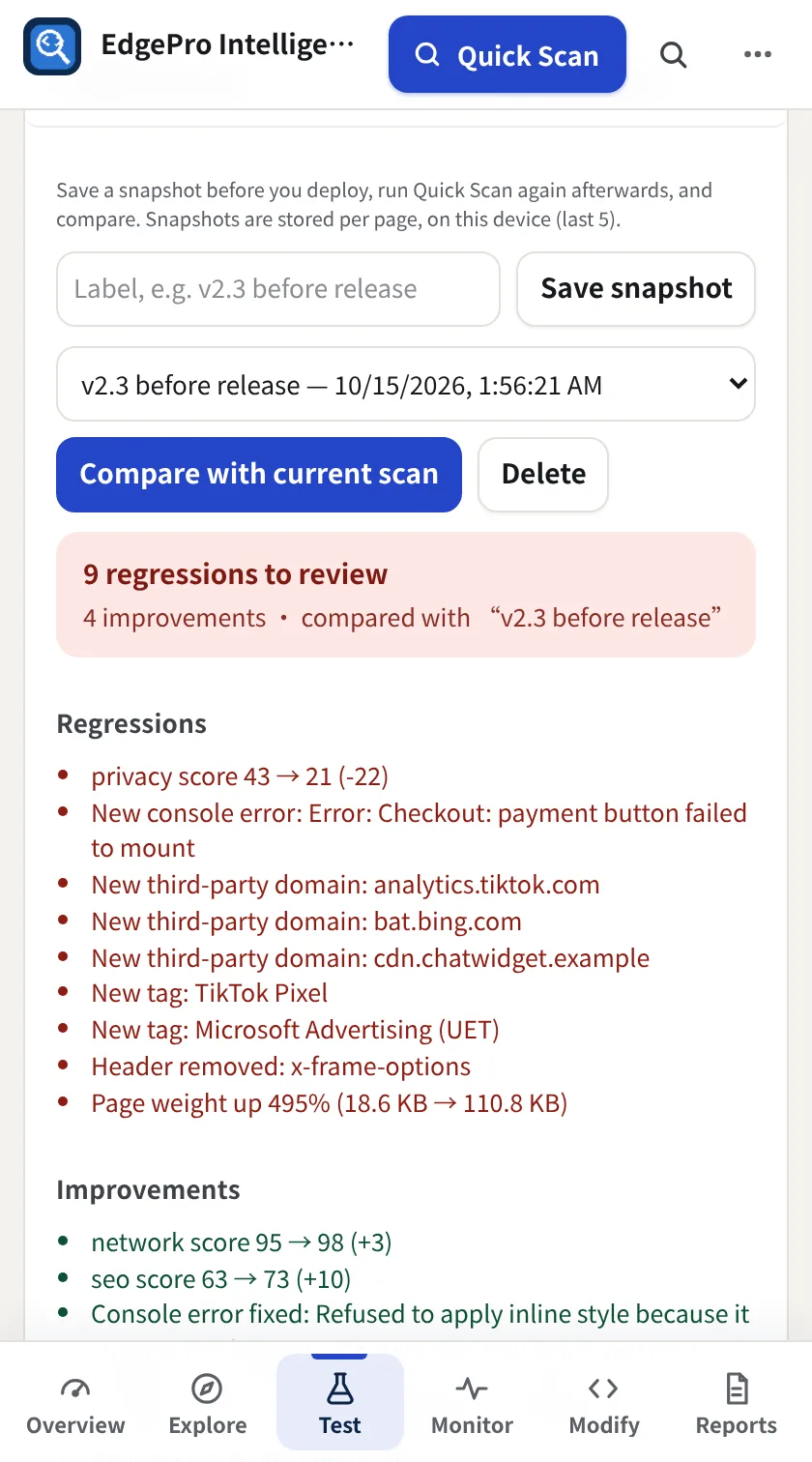
After the release, run Quick Scan again and click Compare with current scan. You get regressions and improvements: scores, new console errors, new third parties and tags, removed headers and page weight.
- 3
Share it
Copy as PR / release comment or Copy all as one GitHub issue puts the result on your clipboard.
Good to know
- Snapshots are kept per page on this device, the last five.