
← All guides
Compare phone and desktop
Load the page as a phone and as a desktop and compare them side by side.
- 1
Run it
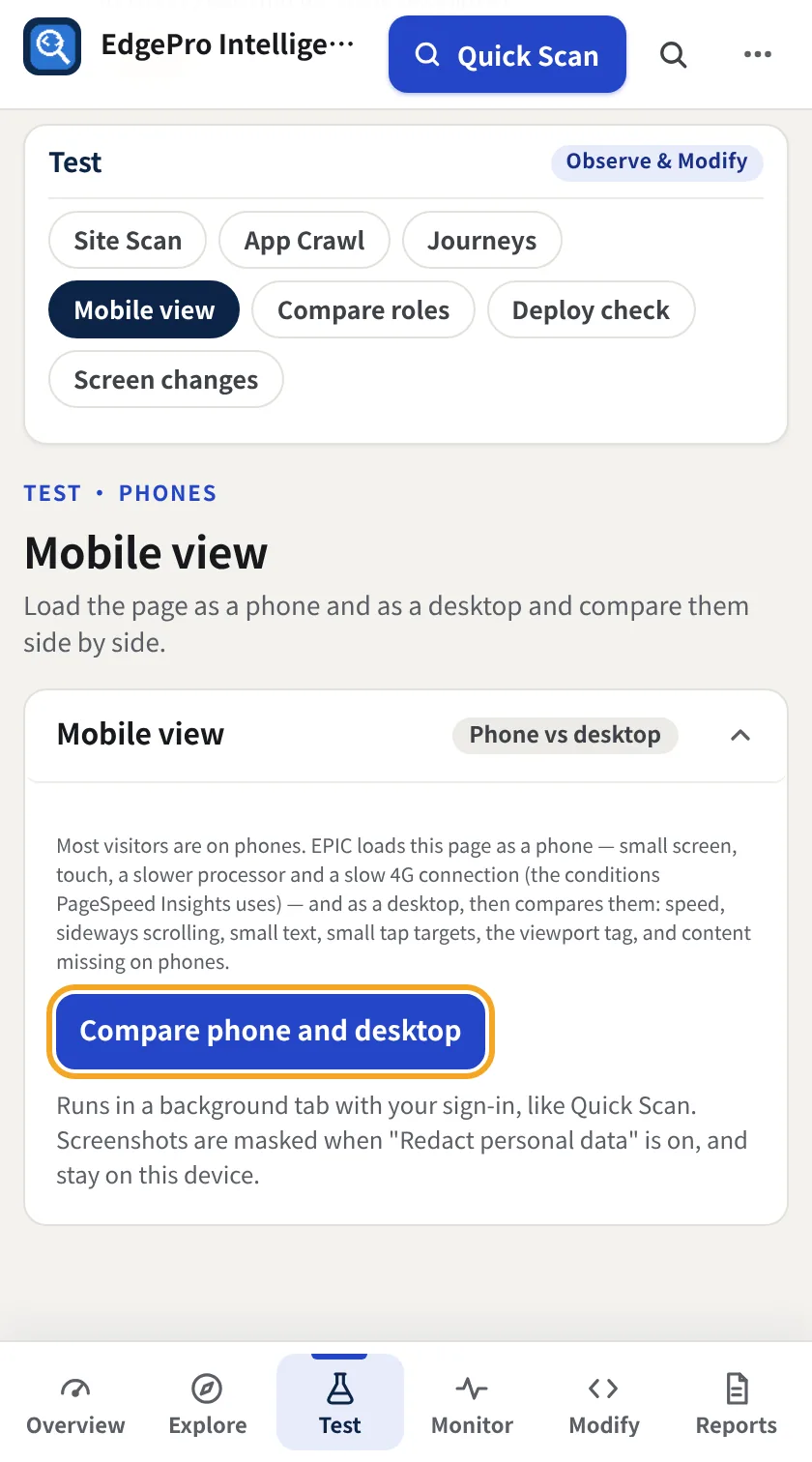
Go to Test → Mobile view and click Compare phone and desktop. EPIC loads the page as a phone, with a small touch screen, a slower processor and a slow 4G connection, and as a desktop.
- 2
Read the comparison
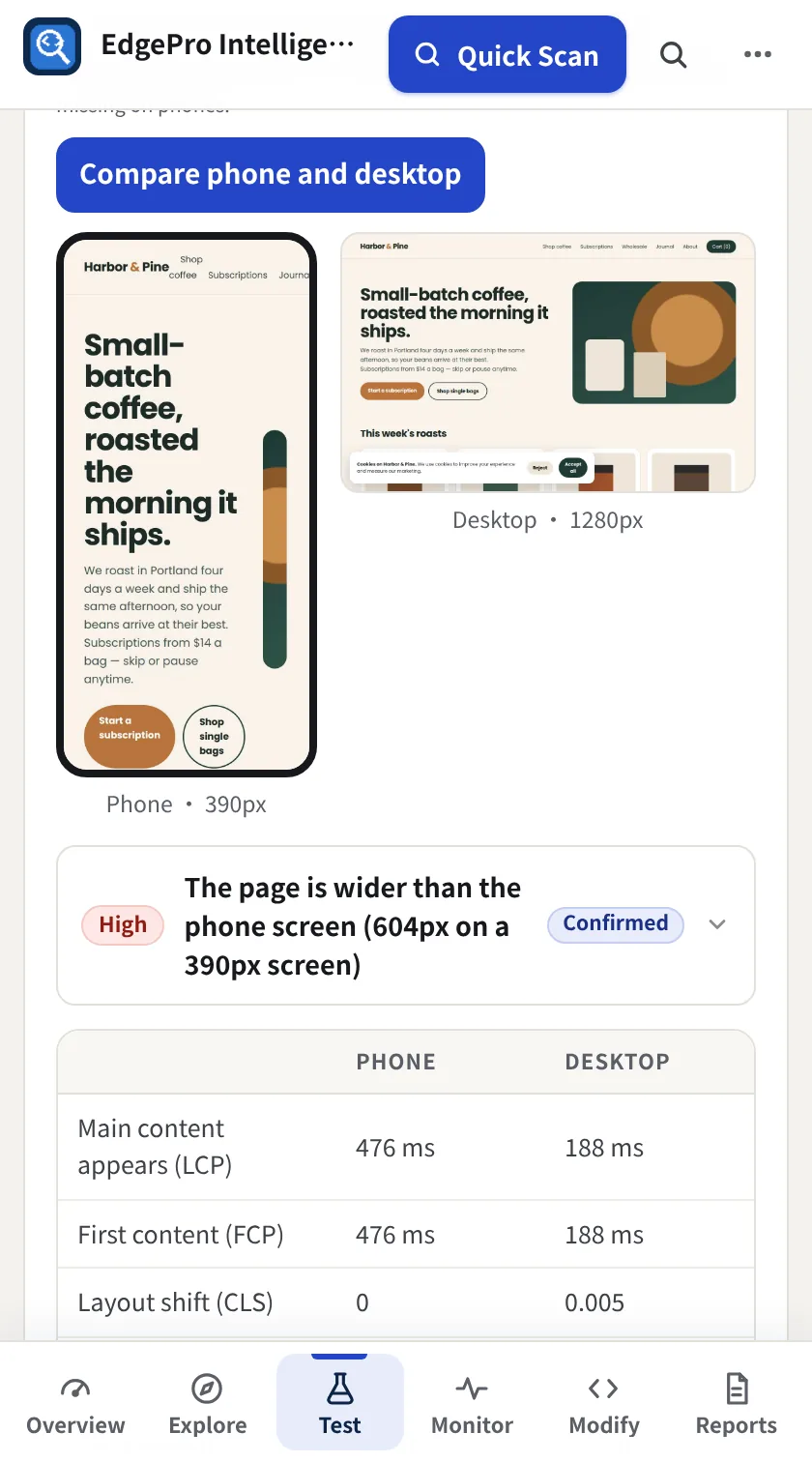
You see both screenshots, a verdict, and speed side by side (main content, first content, layout shift, busy time and full load), plus checks for sideways scrolling, small text, small tap targets, the viewport tag and content missing on phones.
Good to know
- If a timing shows a dash, the browser didn't report it for the background tab. Run the comparison again with the page visible.